Try on any outfit in seconds
Upload one photo, pick a look from 250+ outfits and see it on you, in your own pose and your own room. Then keep the looks you love in your wardrobe.
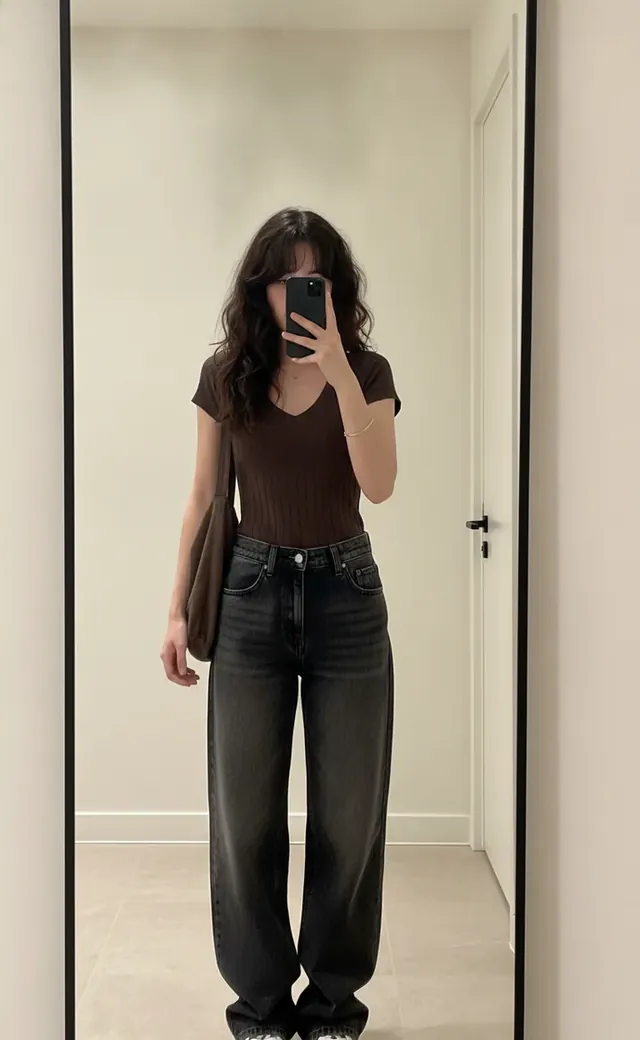 Before

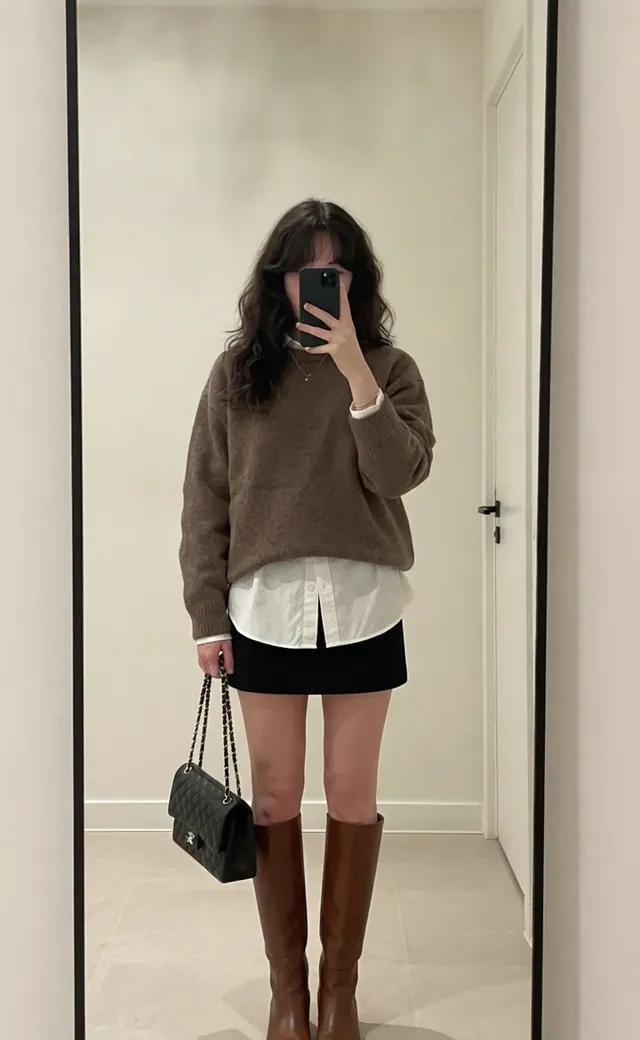
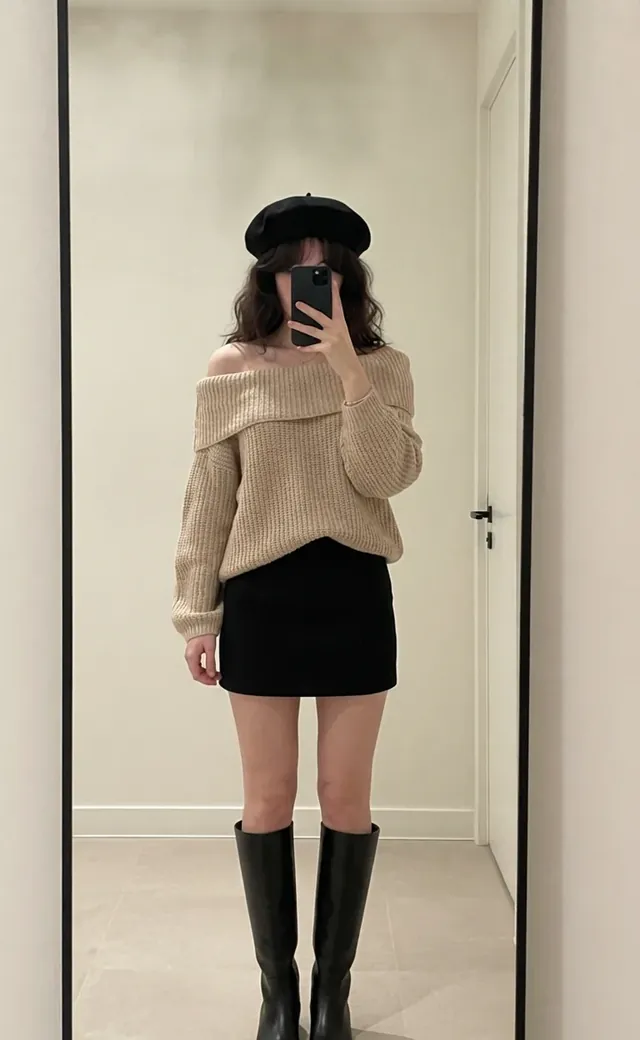



- Old Money
- Y2K
- Coquette
- Office Siren
- Streetwear
- +250 outfits
250+ outfits
for every vibe
From Old Money to Y2K, office looks to cosplay, for women and men. Tap any outfit in the app and see it on you.
Virtual try-on
Three taps to a new look
-
1
Add your photo
A full-body shot works best: good light, simple background. Mirror selfies are perfect.
-
2
Pick a look
Choose an outfit from the catalog, or import one from any shop, Instagram or Google Images.
-
3
See it on you
Your face, pose and background stay yours. Save the result, share it or add it to your wardrobe.
One photo.
Endless looks.
Keep the same photo and try look after look: Office Siren for Monday, Ivy League for Friday, Old Money for the weekend. Compare them and keep your favorite.
- Realistic fit, fabrics and lighting
- Same face, same pose, same room
- Save to your phone or straight to your wardrobe
 Original
 Office Siren
 Ivy League
 Coquette
 Old Money
 Pastel
Seen it online?
Try it on first.
Spotted a coat in a shop or a dress on Instagram? Paste the link or search Google Images right inside the app, pick the picture and see it on your own photo before you order.
Your photo
Full body, good light, simple background. From your gallery or the camera.
Search or paste a link
Product pages, Google Images, or any outfit picture you already have.
Crop & try it on
Frame the outfit, and the AI dresses you in it. Then try the next one on the same photo.
Your wardrobe,
always organized
Save your looks, tag them by season and mood, and log what you wore each day. Your digital closet and outfit planner, free and kept on your phone.
Every look in one place
Add outfit photos from your gallery or save your try-ons in one tap.
Tags, seasons, ratings & notes
Name it, tag it, rate it, note how it fit. Filter by tag, season, favorites or top-rated.
What I wore
Log your outfits on a calendar and stop repeating the same look.
Reuse any look
Use a saved look as the base photo for your next AI try-on.
My Wardrobe
6 looks in your style diary.
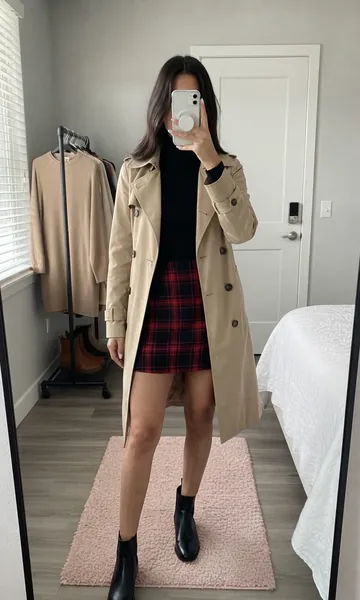 #campus
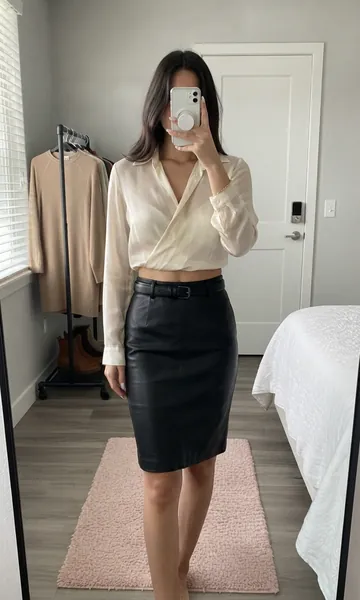 #work
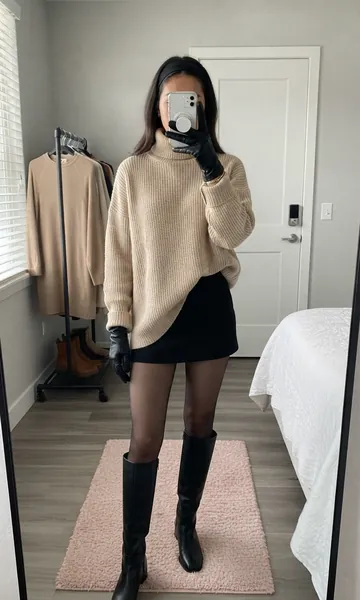 #date night
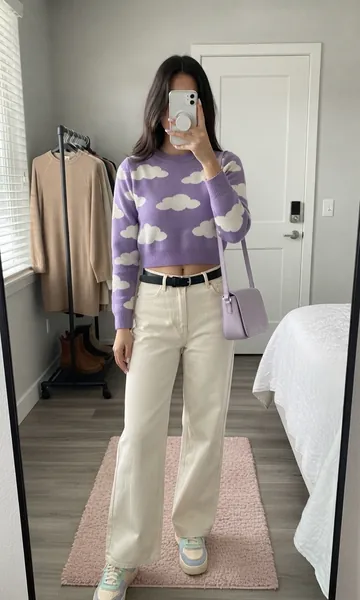 #brunch
 #weekend
 #everyday
What I wore
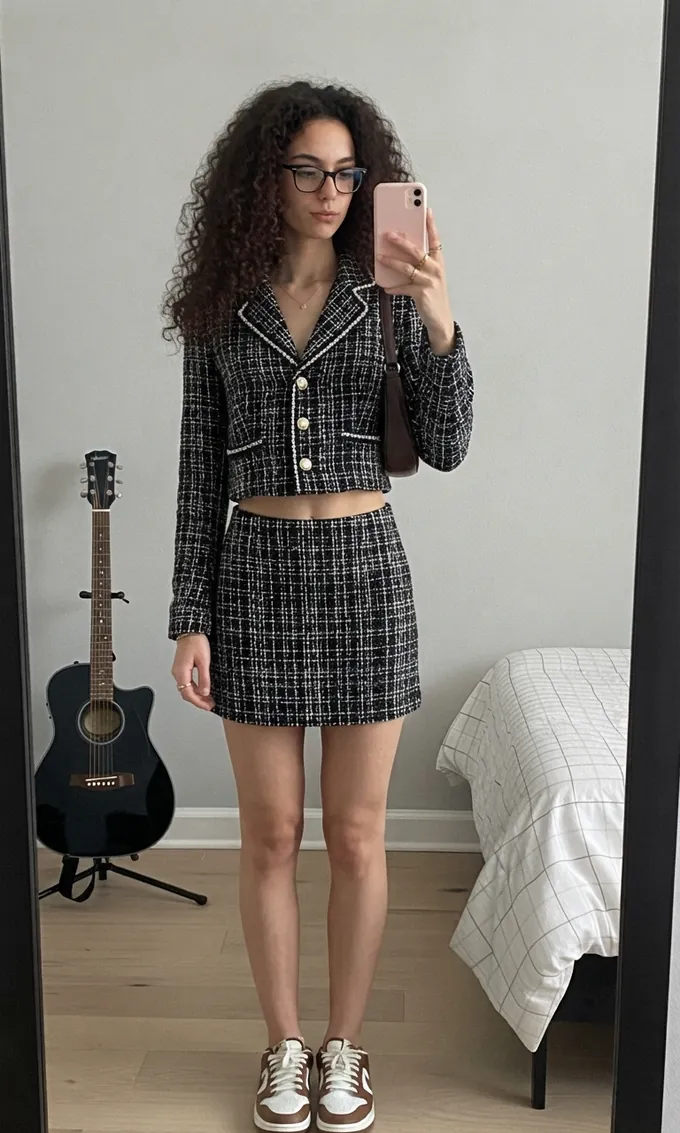 Style Coach
Chic tweed, casual twist
Stylist advice
The matching tweed set is sharp and well proportioned. Swap the sneakers for loafers or ankle boots to keep the whole look polished.
Your outfit,
scored by AI
Not sure about today's look? Snap it and get a score out of 100, a breakdown of what works and personal stylist advice, biggest wins first.
Fit
Proportions, lengths and how each piece sits
Color
Palette harmony, contrast and skin tone
Style
One clear vibe, from head to toe
Accessories
Bags, jewelry and finishing touches
Every report is saved to your gallery, so you can track your scores over time.
Start free, go Pro when you're hooked
Free
Everything you need to get started.
- Free credits to try your first looks
- Free outfits in every style
- Import outfits from any shop
- Wardrobe & wear calendar
Pro
Every style, every tool, no limits.
- The full catalog: 250+ outfits
- 100 credits every month & priority generation
- No ads
- No watermark
Subscriptions renew automatically and can be cancelled anytime in Google Play. Credit packs are also available in the app.
Good questions
Will CosplayAI change my face?
No. Only your clothes change: your face, pose and background stay as they are in your photo.
Which photo works best?
A full-body photo with good light and a simple background. Mirror selfies work great, as long as the whole outfit is visible.
Can I try on clothes from a shop?
Yes. In the Import tab, paste a product link or search Google Images inside the app, pick the picture, crop the outfit and try it on.
Is the wardrobe free? Where are my looks stored?
The wardrobe, tags, seasons and the "What I wore" calendar are free. Your saved looks are stored on your phone.
How do credits work?
Each try-on or Style Coach analysis uses 1 credit. New users get free credits to start, and Pro adds 100 credits every month. Credit packs are also available.

Try on your next outfit
with CosplayAI
Free to download. Your first looks are on us.

Available in English, Español, Français, Português, Русский and हिन्दी.