How to try on clothes online before you buy them
To try on clothes online before buying, save or copy the product picture, import it into an AI try-on app, and generate an image of yourself wearing it on your own full-body photo. Combine that with the size chart and fabric details to order the right piece the first time.
Key takeaways
- Importing the shop's product picture lets you see that exact piece on your own photo.
- The try-on settles style, color and proportions; the size chart settles the fit.
- Clean product photos (flat lays or a single model) give the best imports.
- Comparing two or three candidates on the same photo makes the decision obvious.
Why try on clothes before buying online?
Online shopping hides the most important question: will it look good on you? A dress that looks perfect on a model can change completely on a different height, shape or skin tone. That uncertainty is why so many people order several sizes and colors, then send most of them back.
A virtual try-on on your own photo answers the style question first. You see the cut, the length and the color on your body before spending money, and you only order what already passed the test.
How to try on a piece you found in an online shop
With CosplayAI, the process takes a minute from the product page to the result.
- Add your photo: a full-body picture with good light and a simple background.
- Open the Import tab and paste the product link from the shop, or search Google Images inside the app.
- Pick the outfit picture and crop it so only the clothes are framed.
- Generate the try-on and see the piece on your own photo, with your face, pose and background kept.
- Try the alternatives on the same photo, then save the winner to your wardrobe.
Which product pictures import best
The AI uses the picture as a reference for the garment, so a clear reference gives a more faithful result.
- Front-facing photos that show the whole piece, not a close-up of the fabric.
- Flat lays or a single model on a plain background rather than busy lifestyle shots.
- The full outfit framed when you want the whole look, or just the item when you want to swap one piece.
- Good resolution: tiny thumbnails lose details like buttons, prints and stitching.
- If a shop link does not import, take the picture from Google Images or save it to your gallery and import it from there.
Check the fit separately: a size checklist
A try-on shows you how the style suits you; it does not measure you. Before you order, run through a quick fit check.
- Measure your bust, waist, hips and inseam once, and keep the numbers in your phone notes.
- Compare them with the brand's own size chart, not a generic one.
- Read the fabric composition: stretch fabrics forgive, rigid denim and linen do not.
- Look for the model's height and size in the product description to calibrate lengths.
- Check the return policy and window before you order.
Decide faster by comparing on the same photo
The real power of trying on clothes online is comparison. Import the three dresses you are hesitating between and look at them on the same picture: the right one is usually obvious within seconds.
You can also compare a new piece with clothes you already own. Save your current outfits to your wardrobe and reuse any of them as the base photo, so you can see whether the new jacket actually works with your jeans. Our digital wardrobe guide shows how to set that up.
Not sure yet? Get a second opinion
If two options look equally good, ask for feedback with the try-on images rather than product photos: friends see the piece on you, not on a model. For a more structured answer, CosplayAI's Style Coach scores an outfit out of 100 on fit, color, style coherence and accessories, with stylist advice. More on that in how to know if an outfit looks good.
Or start from a catalog outfit
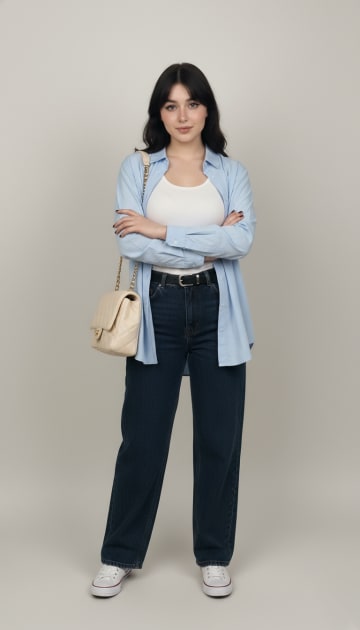
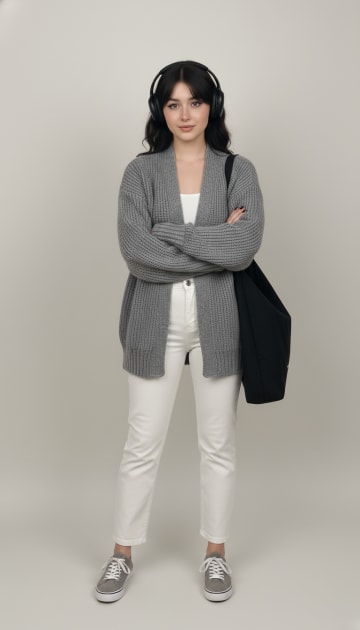
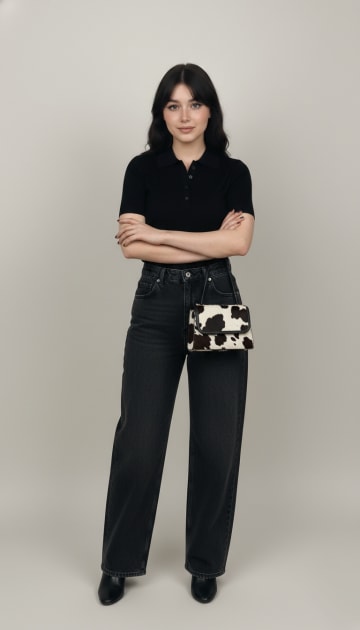
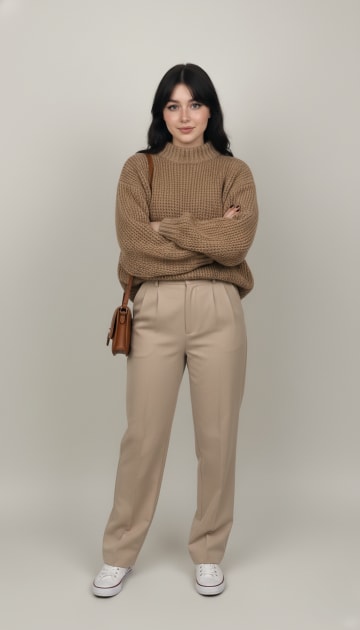
11 outfits from the CosplayAI catalog (Scandi, Basic). Tap one to try it on your own photo in the app.
 PRO
Tailored Vest Ensemble
Try it on
 PRO
Casual Blue Layers
Try it on
 PRO
Grey Cardigan Casual
Try it on
 PRO
Monochrome Minimalist
Try it on
 PRO
Oversized Knit Streetwear
Try it on
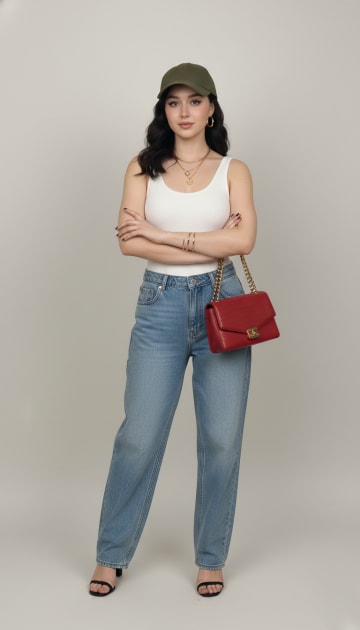 Summer Street Casual
Try it on
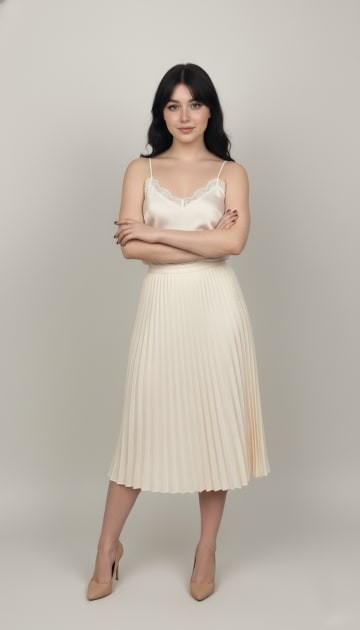 Cream & Silk
Try it on
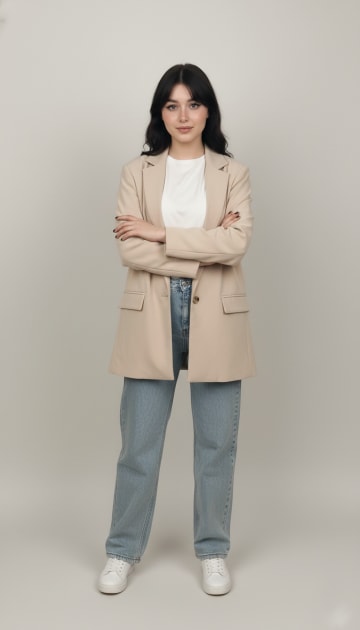 Blazer & Jeans
Try it on
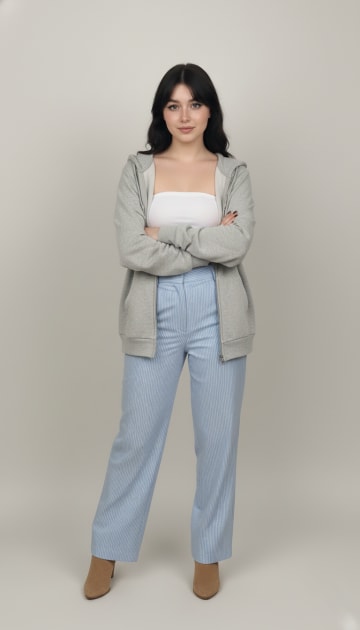 Relaxed Striped Lounge Look
Try it on
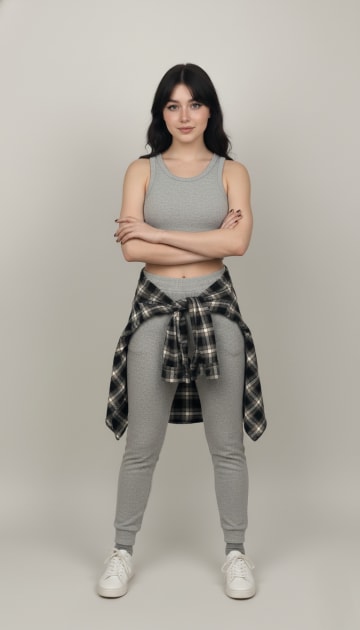 Grey Lounge
Try it on
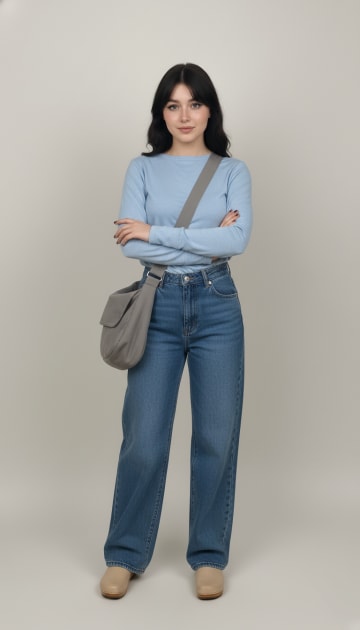 Casual Blue Tones
Try it on
Frequently asked questions
Can I try on clothes from any online store?
In most cases, yes. Paste the product link into CosplayAI's Import tab, or find the picture on Google Images inside the app, then crop and try it on.
Will a virtual try-on tell me my size?
No. It shows how the style, color and proportions look on you. Use the brand's size chart and your measurements for the fit.
What if the shop link does not work?
Save the product picture to your gallery or search it on Google Images in the app, then import it from there.
Can I see a new piece with clothes I already own?
Yes. Save a photo of your current outfit to the wardrobe and reuse it as the base photo for a new try-on.
Does trying on clothes virtually help reduce returns?
It removes the style guesswork, so you only order pieces you already like on yourself. Checking the size chart covers the rest.
Keep exploring
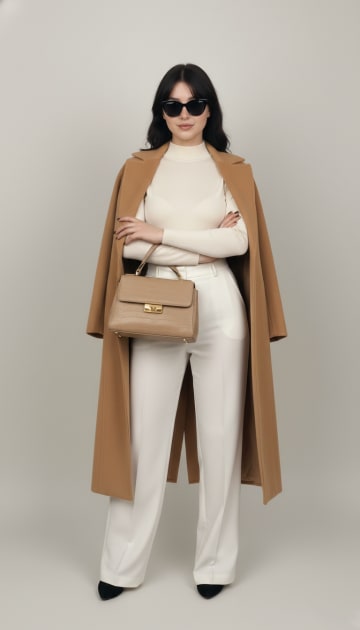
Try on clothes virtually
The photo to take, where to find outfits and how to judge an AI try-on result.
Digital wardrobe
Save looks, tag them by season and mood, and log what you wore each day.
Change clothes in a photo
Swap the outfit in your own photo with an AI clothes changer, step by step.

See it on you before you buy
Paste a shop link and try the piece on your own photo in seconds.

Free to download on Android. Your first try-ons are on us.