How to try on clothes virtually: a step-by-step guide
To try on clothes virtually, take a clear full-body photo, open an AI try-on app, choose an outfit from its catalog or from a picture you found online, and let the AI dress you in it. The quality of the result depends mostly on your photo: full body, good light and a simple background.
Key takeaways
- AI photo try-on dresses your own photo, so you see the outfit on your body, in your pose and your room.
- The single biggest factor is the photo: full body, even light, simple background, nothing covering the outfit.
- You can try catalog outfits or pieces you found online by importing their picture.
- Use it to judge style, colors and proportions; it does not measure your exact size.
What is a virtual try-on?
A virtual try-on shows you how clothes would look on you without putting them on. There are three main kinds. Live camera try-ons overlay items on your camera feed, which works best for glasses, makeup or shoes. Retailer try-ons show a garment on a range of models with different body types. AI photo try-ons take a picture of you and generate a new image of you wearing the outfit.
For clothes, AI photo try-on is the most useful for everyday decisions, because it keeps your face, your body and your setting. You are not guessing from a model who looks nothing like you.
How to try on clothes virtually, step by step
Here is the full process with an AI try-on app such as CosplayAI.
- Take or choose a full-body photo of yourself standing, with your whole outfit visible.
- Open the try-on app and add the photo; crop it so your full body fills the frame.
- Pick an outfit: browse the catalog by style, or import a picture of a piece you found in a shop or online.
- Generate the try-on and wait a few seconds while the AI dresses you in the outfit.
- Compare looks on the same photo, then save the ones you like or share them to get a second opinion.
How to take a photo that gives realistic results
AI try-on is only as good as the picture it starts from. A few minutes spent on the photo saves a lot of disappointing results.
- Show your full body, from head to shoes. Cropped legs mean the AI has to guess.
- Use soft, even light, ideally daylight from a window in front of you. Avoid harsh backlight.
- Keep the background simple: a plain wall or a tidy room works better than a busy street.
- Wear fitted, simple clothes for the base photo; very bulky coats or long scarves hide your shape.
- Stand naturally, arms slightly away from the body. Mirror selfies are fine if the phone does not hide your torso.
- Use a sharp, recent photo so the result looks like you today.
Where to find outfits to try on
The easiest starting point is a curated catalog organized by style, so you can explore aesthetics you would never try in a store, such as old money, office siren or Y2K.
To test a specific piece before buying it, look for an import feature. In CosplayAI you paste the product link or search Google Images inside the app, pick the picture and crop the outfit. Our guide to trying on clothes before you buy them online covers this in detail.
How to judge a virtual try-on result
Look at the result the way a stylist would. Start with the overall silhouette: does the outfit balance your proportions? Then check lengths (sleeves, hems, trouser breaks), how the colors work next to your skin and hair, and whether the vibe matches where you plan to wear it.
Comparing several outfits on the same photo is the fastest way to decide, because only the clothes change. If you want a more structured opinion, an outfit-scoring tool can rate fit, colors, style coherence and accessories; see how to know if an outfit looks good.
What virtual try-on can and cannot tell you
AI try-on is excellent for style decisions: colors, cuts, silhouettes and whether a whole aesthetic suits you. It is not a measuring tape. It does not know your exact size or how a specific brand runs, and it cannot tell you how a fabric feels.
Use it to narrow down what to buy, then check the size chart and the return policy as usual. Results are generated by AI, so they can vary from one attempt to the next; trying the same outfit again or on a better photo often helps.
Try clothes on virtually with CosplayAI
CosplayAI is an Android app built for exactly this. Upload one full-body photo and try on outfits from a catalog of 250+ looks across 65 styles for women and men, or import any outfit you found online. The AI keeps your face, pose and background, so the result looks like a real photo of you.
Save the looks you like to your wardrobe, tag them by season or occasion, and reuse any saved look as the base photo for your next try-on.
- Install CosplayAI from Google Play.
- Add a full-body photo and crop it.
- Pick a catalog outfit or import one from a link.
- Compare the results and save your favorites.
Outfits you can try on right now
16 outfits from the CosplayAI catalog (It Girl, Parisian Chic). Tap one to try it on your own photo in the app.
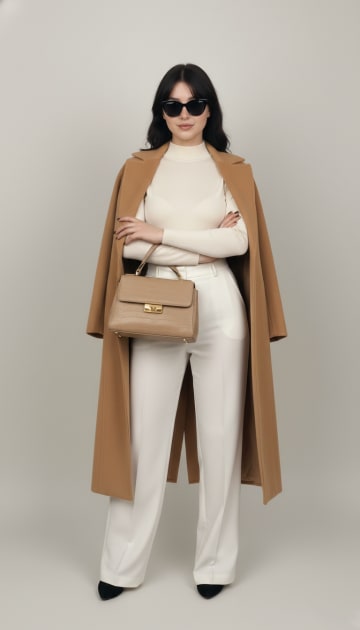 PRO
Neutral Elegant Layering
Try it on
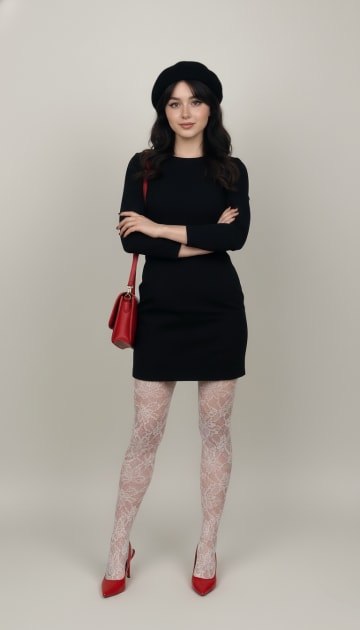 PRO
Parisian Chic Ensemble
Try it on
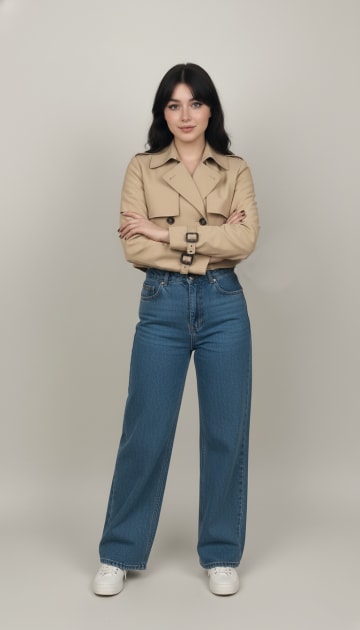 PRO
Cropped Trench Streetwear
Try it on
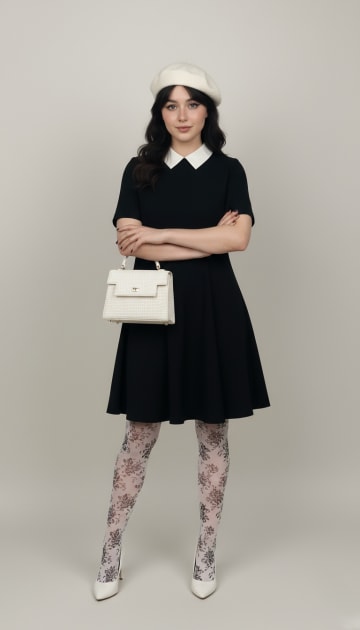 PRO
Monochrome Vintage Elegance
Try it on
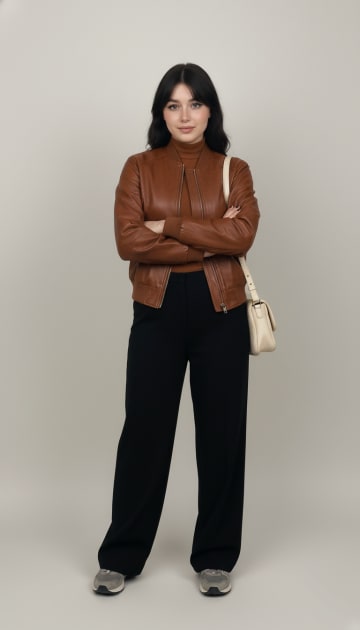 PRO
Leather Bomber Casual
Try it on
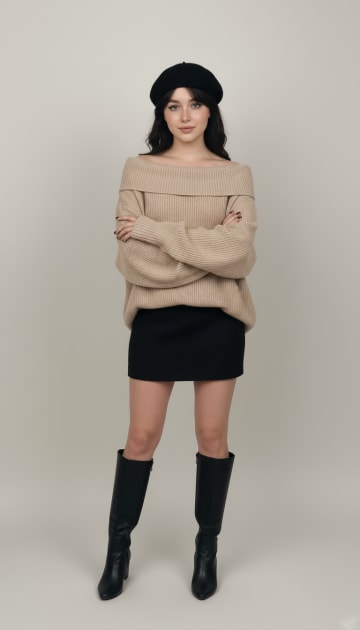 PRO
Oversized Knit Casual
Try it on
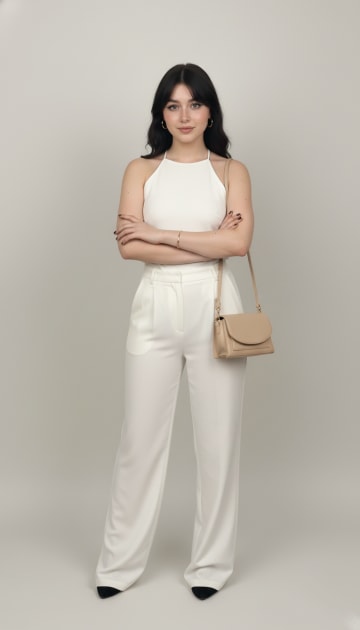 Monochrome Halter Ensemble
Try it on
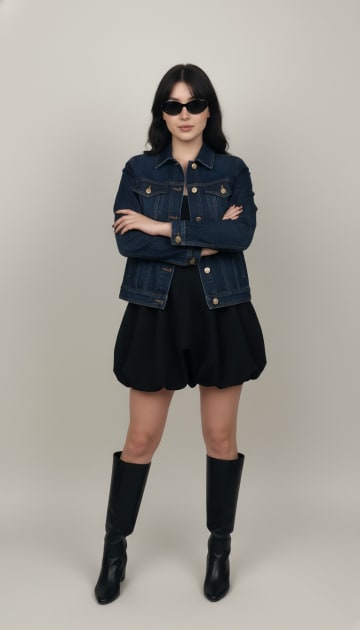 Denim Jacket Streetwear
Try it on
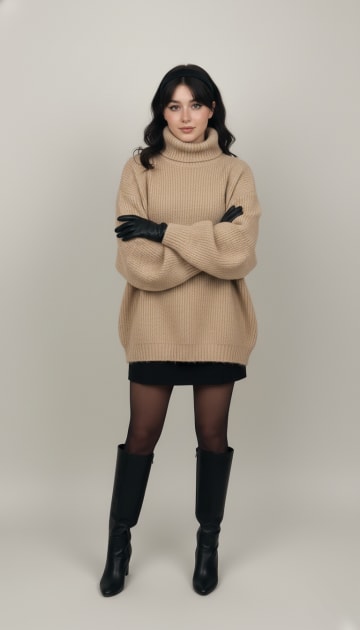 Oversized Knit & Boots
Try it on
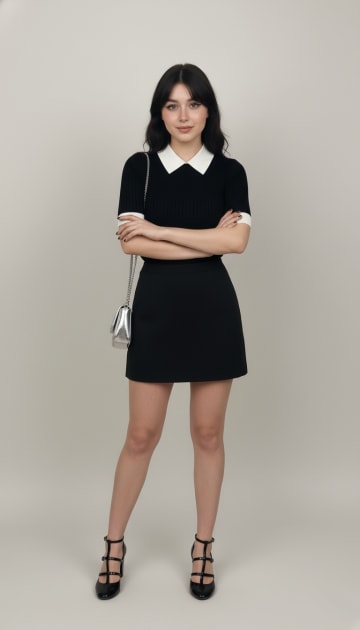 Contrast Trim Polo Look
Try it on
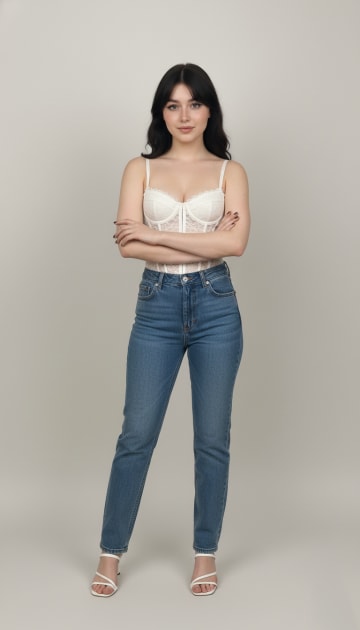 Corset/White Top
Try it on
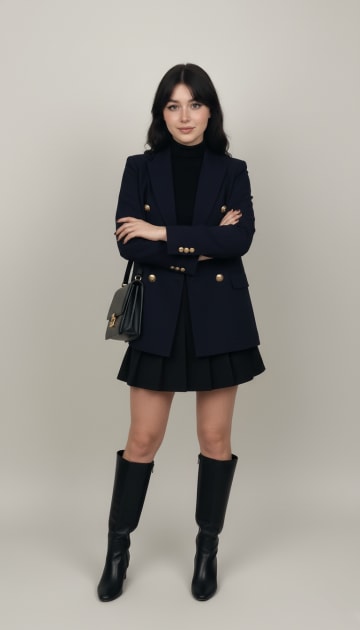 Navy Blazer Academia
Try it on
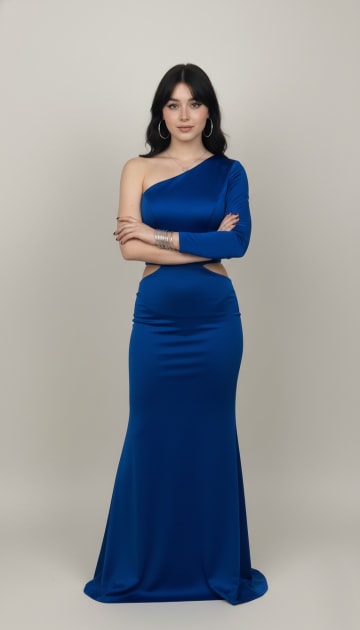 Royal Blue
Try it on
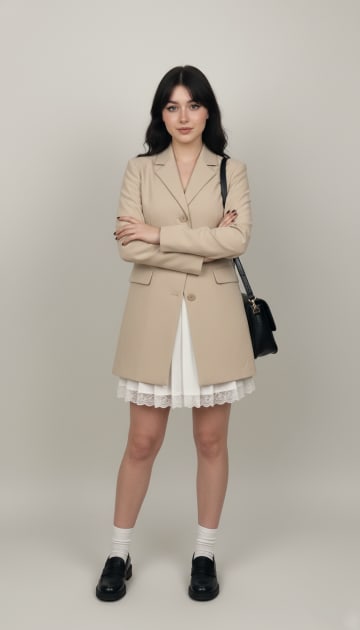
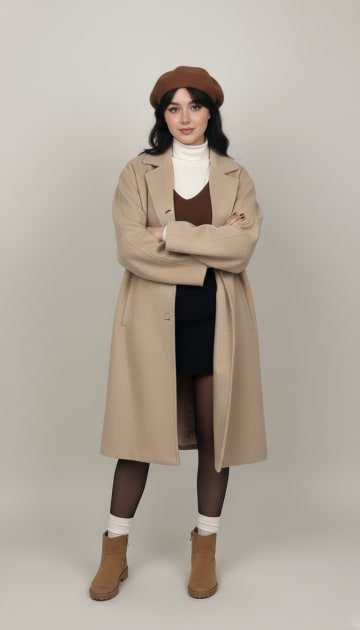 Oversized Beige Coat Layering
Try it on
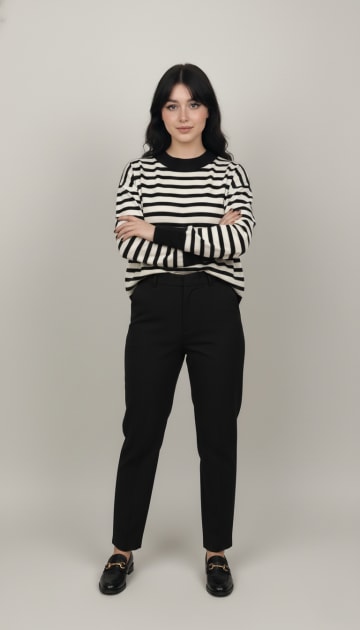 Striped & Black
Try it on
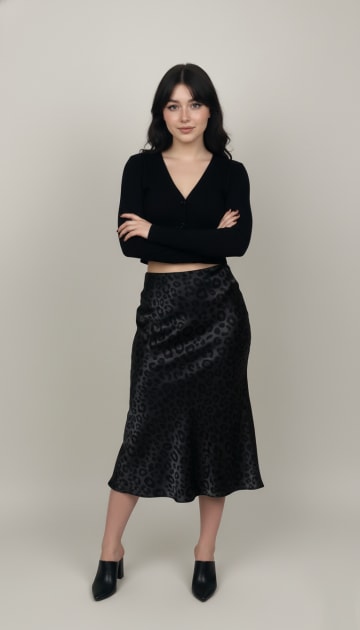 Cardigan & Slip
Try it on
Frequently asked questions
How can I try on clothes virtually for free?
Many AI try-on apps include free credits. CosplayAI gives new users free credits to start, so you can try your first outfits without paying.
Is virtual try-on accurate?
It is accurate for style, colors and proportions when you use a good full-body photo. It does not measure your size, so still check the brand's size chart.
Can I try on clothes from any website?
With an import feature, yes. In CosplayAI you paste a product link or search Google Images in the app, pick the picture and try it on.
Does AI try-on change my face?
A good AI try-on only changes the clothes. CosplayAI keeps your face, pose and background as they are in your photo.
What photo works best for a virtual fitting room?
A sharp full-body photo with soft, even light, a simple background and fitted clothes that do not hide your shape.
Is there a virtual try-on app for Android?
Yes. CosplayAI is available on Google Play and works with any full-body photo from your gallery or camera.
Keep exploring
Try before you buy
See a shop item on your own photo before ordering, plus a checklist to avoid returns.
Does my outfit look good?
The four things stylists check, and how to get your outfit rated out of 100.
Digital wardrobe
Save looks, tag them by season and mood, and log what you wore each day.

Try your first outfit today
Upload one photo and see yourself in a new look in seconds.

Free to download on Android. Your first try-ons are on us.